How to create OpenVPN user
Login to server vpn-user on ip 10.8.1.1
-
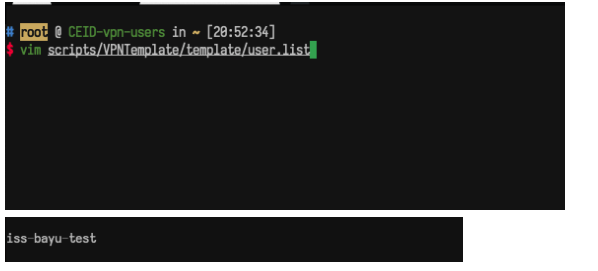
Input the new user in the
user-listfile located at~/scripts/VPNTemplate/template/. The format for inputting the user on the system is "division"-"name", where spaces are replaced by dashes. For example, in this case, the division of the user is "iss" and the name is "bayu-test". After editing the file, exit and save.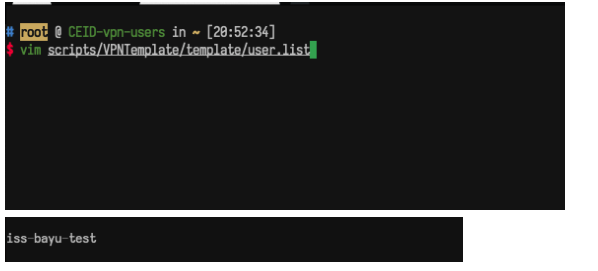
-
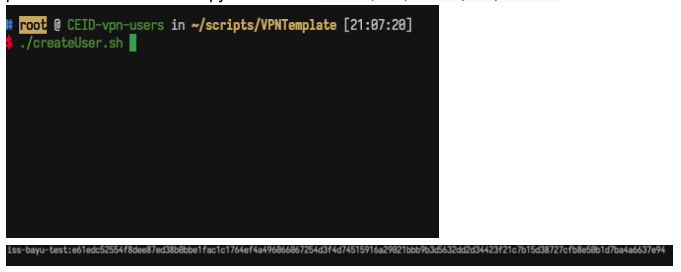
Generate the password for the user using the
createUser.shscript located in the/scripts/VPNTemplate/folder. After running the script, the system will auto-generate the password for the user and copy the result to/etc/openvpn/scripts/pass.txt.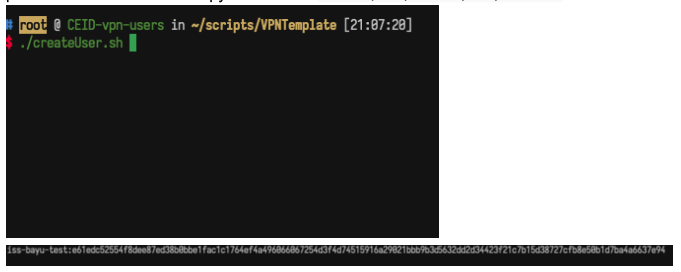
-
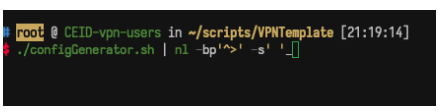
Run the
configGenerator.shscript to generate the VPN user's configuration file. After generating the config file, the system will store it in the~/scripts/VPNTemplate/outputfolder.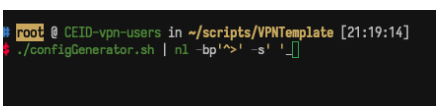
-
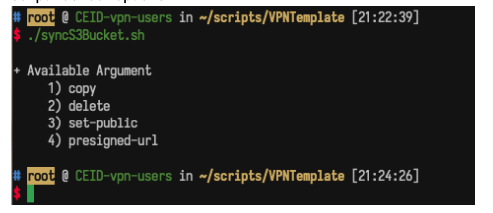
Upload the config file to the AWS S3 bucket by running the
syncS3bucket.shscript. The script has four options: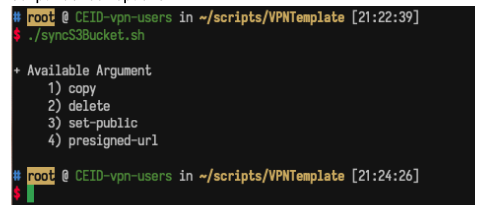
copy: Uploads all config files in theoutputfolder (~/scripts/VPNTemplate/output) to the AWS S3 bucket.delete: Deletes all config files on the AWS S3 bucket.set-public: (Missing description)presigned-url: Displays a menu to choose the config file and shows the presigned URL of the config file on the AWS S3 bucket, which allows us to download the file using that URL.